Text to MP3
Write the script, pick the voice, and walk away with the file every platform plays.
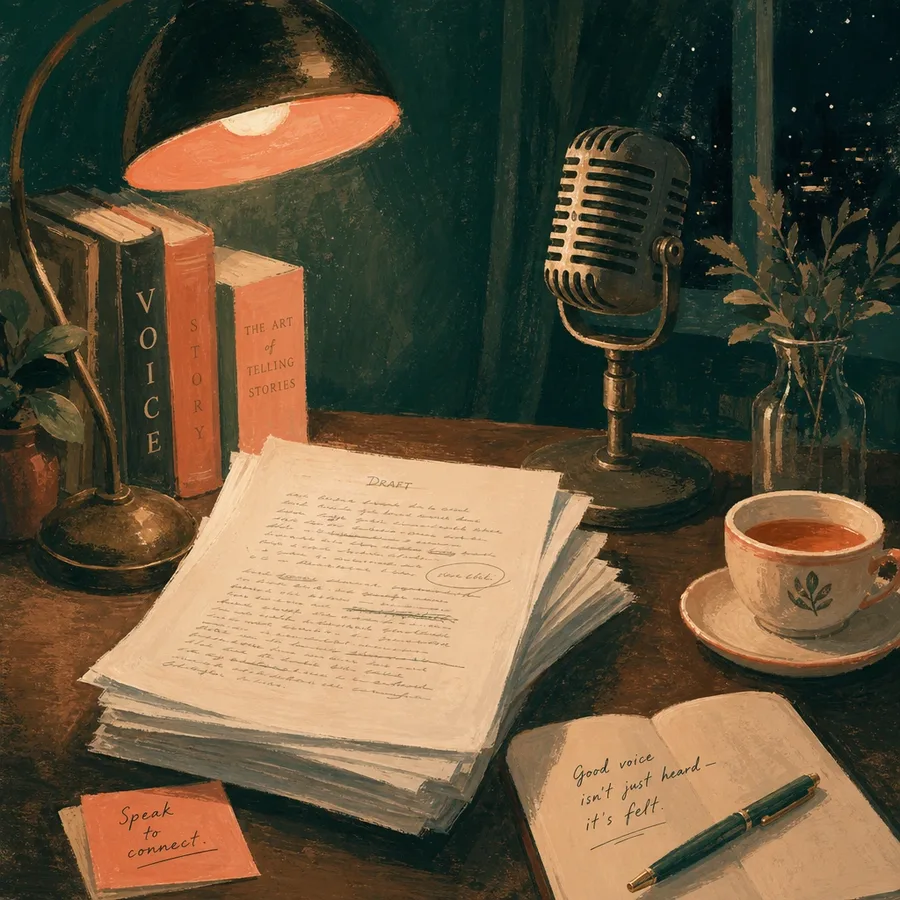
How does Text to MP3 work?
Step 1: Write or paste the script
Scripts up to 30,000 characters. Bracketed cues like [softly] are stage directions, and Gemini Flash performs them.
Step 2: Pick an engine and voice
Five engines, each listing its real voices, described by character rather than hype. Audition before you commit.
Step 3: Generate, play, download
Press generate, hear the take in the browser, and download the MP3 file. It is yours from that moment.
Why MP3 as the output?
Turning text into an MP3 is this studio's home turf: paste a script, choose one of five engines, and the take comes back as a file you can publish anywhere. MP3 is the deliverable the rest of the world is built around; podcast hosts ingest it, every browser plays it, and every editor drops it on a timeline without complaint.
Four of the five engines, Kokoro, Grok Voice, MAI Voice 2, and Zonos, emit MP3 natively, and so do your cloned voices, so no transcoding ever touches the audio between generation and download. Gemini Flash is the deliberate exception: it produces PCM delivered as WAV, and earns the exception by acting bracketed cues instead of just reading them.
What people turn into MP3 here
- Podcast segmentsintros, ad reads, and narrated episodes generated from a typed script instead of a studio session.
- Video voiceovernarration rendered as MP3 drops straight into a video editor next to the footage it describes.
- Course audioe-learning modules re-generated per revision, so an updated paragraph never means a re-recording day.
- Table readshearing a draft aloud on the free engine before committing to a final voice and a final cut.
- Scripts up to 30,000 characters
- House math: about 1,000 characters is a minute of audio
- Output: MP3 from Kokoro, Grok Voice, MAI Voice 2, Zonos, and cloned voices
- No watermark, yours to keep
Text to MP3 questions, answered honestly.
How do I convert text to MP3 with an AI voice?
How much text can I convert to MP3 at once?
Which engine should I pick for an MP3?
Can I use the generated MP3 commercially?
Related formats.
Want the longer read? Open the Text to Speech guide in the docs.
Your script is one generate away.
Paste it in, pick a voice, and the finished file downloads with full commercial rights. Free to start, no credit meter.